Monday, 9 November 2015
Editing Day 7
In today's lesson, we had uploaded all he footage of the Mile End and West Silvertown shoot onto the Mac. We had then converted all the files on MPEG Streamclip, also we had then uploaded the compressed footage on Final Cut Pro with the rest of our footage. Later we had synched up the Mile end footage with the track.

Sunday, 8 November 2015


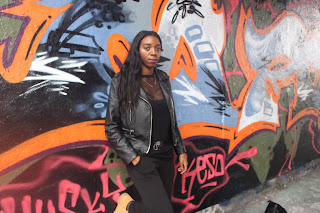


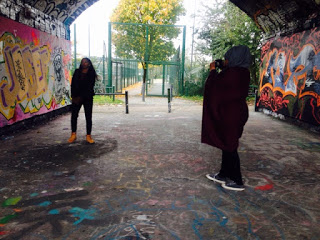
Filming Day 5 - Mile End and West Silvertown



Friday, 6 November 2015
Editing Day 6
In today's lesson, we continued to add the black and white effects onto the car scenes we did this by pressing effects and then desaturate. We also notice that the brightness when we had added the effect was too dark therefore we increased the brightness to 10 percent on the brightness tool. This had then made the footage of the car clearer to see. With the footage in the car, we also notice that that too was too dark and unable to see my face in the scene so we increased the brightness on the brightness tool to 5 percent. In which now we were able to see my face and make it the same brightness to the beginning scene of the car driving. We are hoping to edit further of the car scene and also to film and add in close ups and medium shots of the car at the beginning before the lip synching starts in the track.
Thursday, 5 November 2015
Editing Day 5
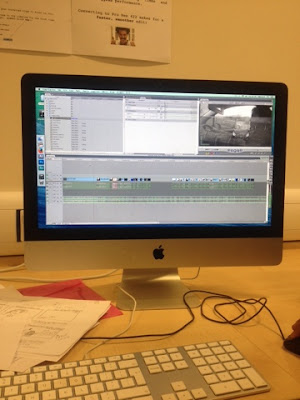
In today's lesson, we began to add the effects onto the introduction of the track which was the car scene in which we originally had wanted it to be in black and white from the research added onto our case studies. We had also left gaps on the track in which we shall add after filming the Mile End scene to our video.
Tuesday, 3 November 2015
Editing Day 4
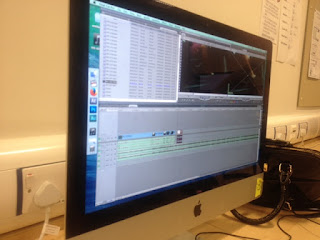
In today's lesson, we had started synching bits of the Oxford Street scenes onto the track and Jubilee Bridge. Its best for the group and I to just upload and syncing everything to the track and once we have finished we will then begin to add on effects onto the video such as; colour, brightness, blur, text, fade etc.
Monday, 2 November 2015
Editing Day 3
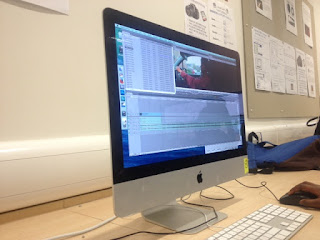
In today's lesson, we had uploaded uploaded the car scene footage that we had filmed on Saturday to our file and then had converted the footage.We then went onto synching the car scene footage with the track. As the car scene is the introduction to the music video, we began editing the first start to the song with the car scene footage.
Subscribe to:
Posts (Atom)